Showing Your Camping Pass on a Phone App
A camping pass on your phone is handy until the app will not load at a remote campsite or an officer asks to see it. The key is to know where the pass is stored, make it available offline, and understand what it proves. These steps help you prepare before leaving service range and avoid confusing a camping pass with permission to ride.
What a phone copy of your camping pass proves
An Alberta Public Lands Camping Pass is associated with camping requirements on the public lands where the pass applies. It is not a general permit to ride an ATV or UTV, and showing it does not by itself establish that you may camp at a particular site or ride a particular route.
Keep those differences clear:
| Item | What it generally relates to | What it does not replace |
|---|---|---|
| Public Lands Camping Pass | Meeting the camping-pass requirement where it applies | OHV registration, insurance, or permission to use a route |
| OHV registration and plate | Identifying a registered machine for applicable use | A camping pass or land-access permission |
| Insurance proof | Evidence of insurance when required | Registration, a camping pass, or a trail permit |
| Land or route information | Whether camping or riding is allowed in a specific place | Required documents for you or your machine |
The geographic rules matter. A pass does not apply to every campsite, public land area, or recreation site in Alberta in the same way. Before your trip, confirm whether the area you plan to camp in is covered and whether a separate reservation, fee, or site rule applies. The pass may also be irrelevant if you are only riding through an area and not camping there. For a broader explanation, see Alberta Camping Pass Rules Explained—but that exact title is not in the site’s list, so do not use it as a link. Instead, check [Alberta Random Camping Rules Explained] and [Alberta Camping Near a Recreation Area] for related distinctions.
A digital pass is useful as proof of purchase, but it does not make an otherwise prohibited activity legal. You still need to check land-use rules, closures, camping restrictions, and OHV requirements. What to Show an Officer on Alberta Public Land is a helpful companion if you want to prepare the other documents an officer may ask to see.
Find the pass in the account or app used to buy it
Start with the service through which you purchased the pass. Alberta passes are sold through the province’s licensing system, and the available display options can depend on how you completed the purchase. If you used an app, open that app and look for sections such as purchases, licences, passes, or account history. If you purchased online, sign in to the same account and check the order or pass details.
The exact screen names and layout can change, so rely on the current instructions in the service rather than an old screenshot or a menu path someone posted online. If you are not sure which account you used, search your email for a purchase confirmation, then use the account details associated with that transaction.
A practical setup process is:
- Sign in while you still have reliable service. Do not wait until you are parked at a trailhead or campsite.
- Locate the camping pass record. Confirm it is a pass, not just a receipt or confirmation that payment was submitted.
- Check the identifying details. Make sure the pass belongs to the person or account you expect and that the dates or validity information fit your trip.
- Open the pass itself. If the app provides a detail screen, test that it loads fully and displays the pass information clearly.
- Save or download it if the service offers that option. Follow the app’s own instructions; do not assume that opening a page once makes it available offline.
- Prepare a backup. Keep the confirmation email or an official downloadable document available, if provided, without treating a screenshot as automatically equivalent to the original digital record.
If you have not bought the pass yet, How to Buy an Alberta Camping Pass explains the purchase process. For background on the pass’s role and history, Alberta Camping Passes Since 2021 may also be useful.
Do not try to solve an account problem by purchasing another pass immediately. First check whether the transaction went through, whether you are signed into the right account, and whether the pass appears under a different purchase or profile section. If the record is missing, use the provider’s official support channel or contact a licence issuer before you leave. Keep any confirmation number or receipt details available when you ask for help.
Prepare the pass for a no-signal trip
Remote riding and camping areas can have unreliable mobile coverage. An app that works perfectly at home may fail to sign in, refresh a page, or display a pass once you lose service. Prepare for that possibility before you travel.
Test access before you leave
While connected to the internet, sign in and open the pass from the device you plan to carry. Then check whether the app offers a save, download, or offline-access feature. If it does, follow the instructions and test the saved copy by temporarily switching off mobile data or using the app’s offline mode, if available.
This test matters because a pass page that appeared earlier may not be stored on the device. Some apps need a fresh connection to retrieve account information, while others allow specific records to be saved. Do not assume that a cached screen, email link, or browser tab will remain accessible when you need it.
If there is no official offline option, plan a sensible backup. You might keep the purchase confirmation accessible in your email app, download an official document if one is provided, or print the pass details before departure. A screenshot can be useful as a secondary reference, but it may omit important information or may not be accepted as official proof. Check the service’s current instructions instead of relying on a screenshot alone.
Protect access to the device
A pass is not much use if the phone battery is dead, the screen is damaged, or you cannot unlock the device. Before a long ride:
- Charge your phone fully and consider carrying a power bank.
- Store the pass where it is quick to find, rather than depending on a lengthy sign-in process.
- Keep your phone protected from rain, mud, dust, and impact.
- Make sure you know the account password and have any required sign-in method available.
- Avoid relying on a mobile connection for multi-factor verification if you may be outside coverage.
If several people are travelling together, agree on who will carry the pass and how the group can access the purchase record. Do not assume that one person’s pass covers every adult, campsite, or vehicle. Confirm the pass rules for your situation before departure. Alberta Camping Pass for a Group and Does Every Adult in Camp Need Their Own Pass? can help you check questions about group coverage.
Keep the phone secure, too. A pass record may be connected to an account containing personal or purchase information. There is no need to hand an unlocked phone to anyone casually. If an officer asks to see the pass, open the relevant screen yourself and show the information requested.
Show the pass clearly if asked
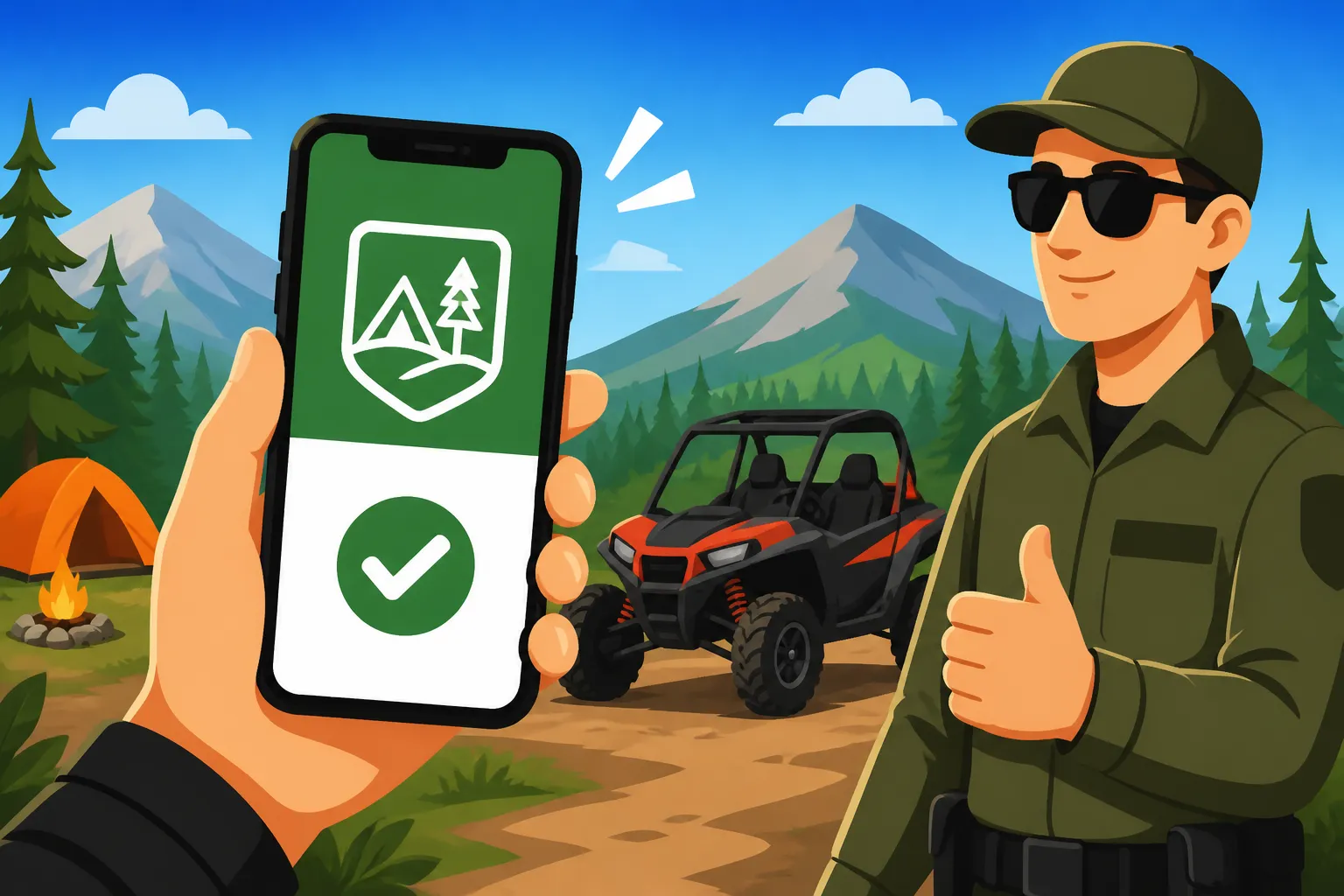
When asked to produce proof, avoid scrolling through unrelated screens or trying to explain the purchase before you have found the record. Open the pass or official document, increase screen brightness if needed, and hold the display steady so the information is readable.
A useful routine is:
- Tell the officer you have the pass on your phone.
- Open the app or saved document that contains the pass.
- Display the pass information and any validity details shown.
- Follow reasonable instructions if the officer needs to verify a detail.
- If the screen will not load, explain the problem and offer the backup record you prepared.
Do not present a payment notification as if it were necessarily the pass itself. A receipt can help establish that you completed a transaction, but it may not show the information needed to verify the pass. If you have only a receipt, say so plainly and show it as supporting information rather than claiming it is a substitute.
The same principle applies to a screenshot. It can help you find an order number or remember where the pass is stored, but screenshots may be outdated, incomplete, or difficult to verify. Use the current official digital record or a document issued by the service whenever possible.
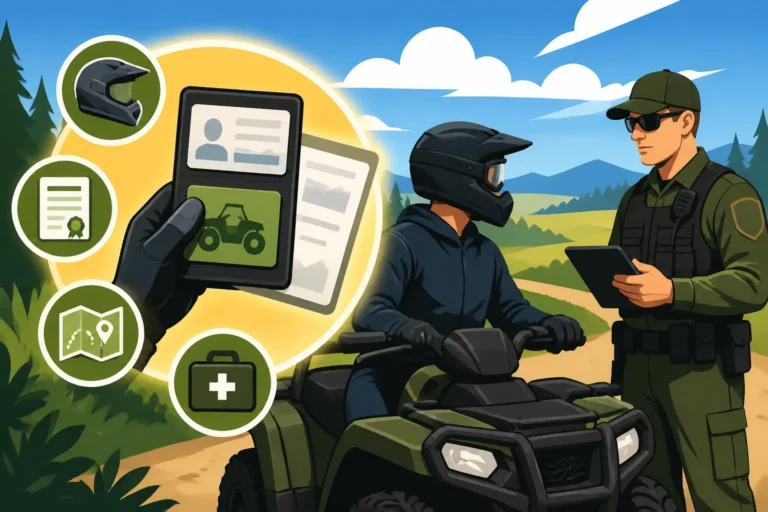
The phone pass is only one part of being ready for an inspection. An officer may ask about other requirements that apply to your activity, location, or machine. Depending on the circumstances, those could include OHV registration, insurance, or information about where you are camping and riding. Keep separate proof for each requirement instead of assuming one pass covers them all. See [Alberta Insurance Proof on Public Land] and Alberta Registration Before Riding Crown Land for related preparation.
If there is a genuine technical failure, stay calm and be cooperative. Explain whether the issue is lack of service, a dead battery, a locked account, or an app error. Show any available official confirmation and follow the officer’s instructions. A polite explanation does not guarantee that alternative evidence will be accepted, which is why preparing an offline option is better than trying to resolve the issue on the trail.
Check validity, coverage, and other documents before departure
A pass can be visible on your phone and still be the wrong pass for your plans. Check its validity, the people or account it is associated with, and the rules for the place where you intend to camp. Do this before loading the machine, not when you reach a closed or unsuitable site.
A quick pre-trip check should cover:
- Validity: Confirm the pass is active for the dates you need. Do not rely on an old confirmation email if the pass has expired or been replaced.
- Coverage: Verify that the land or camping area is included. A pass is not universal permission for every public land location.
- Camping rules: Check whether you may camp at the intended spot, whether it is designated or subject to restrictions, and whether separate site requirements apply.
- Group details: Confirm whether the pass arrangement fits the number of adults and the way your group will camp.
- Device access: Open the pass while online and confirm any saved version works offline.
- Backup: Carry a second way to find the purchase record, such as an official downloaded document or a printed copy where available.
- OHV requirements: Separately check machine registration, insurance, equipment rules, and route access.
For questions about the period a pass remains valid, see Alberta Camping Pass Expiry. If you are choosing between pass options, Alberta Three-Day Pass vs Annual Pass may help you compare the formats. The current terms and purchase details should always be confirmed with the official service before you rely on them.
A camping pass is also distinct from a trail pass. Alberta does not have a universal OHV trail pass that turns every public route into an open route. Riding access depends on the land, local restrictions, closures, and applicable rules. Use current maps and land information to confirm the route, and check Alberta Camping Pass Cost or Alberta Has No OHV Trail Pass only for the separate questions those topics address.
Getting the pass onto your phone is a small task, but testing it before the trip prevents a predictable problem: reaching a remote area and discovering that the app needs an internet connection. Treat the phone as a convenient display, not as your only plan. Know where the official record is, save it if the service allows, carry a backup, and keep camping authorization separate from your riding documents.
Frequently Asked Questions
Can I show my Alberta camping pass from a phone app?
If the official service provides a digital pass or record in the app, open that record and display it when asked. Check the current service instructions to confirm what forms of proof it accepts.
Will the pass show without cell service?
That depends on the app and whether the pass was saved for offline access. Test it before leaving coverage. If no offline option is available, prepare another way to access the official record.
Is a screenshot enough?
Do not assume so. A screenshot may be incomplete or outdated, and it may not be treated as official proof. Use the official pass display or document where available, and keep a screenshot only as a backup reference.
Does the camping pass let me ride my ATV or UTV anywhere nearby?
No. A camping pass does not by itself provide OHV registration, insurance, route access, or permission to camp at any site. Check each requirement separately.
Disclaimer
This article is for general informational purposes only and does not constitute professional advice. Laws, prices and regulations vary by location and change over time. Consult a qualified professional for guidance on your specific situation.