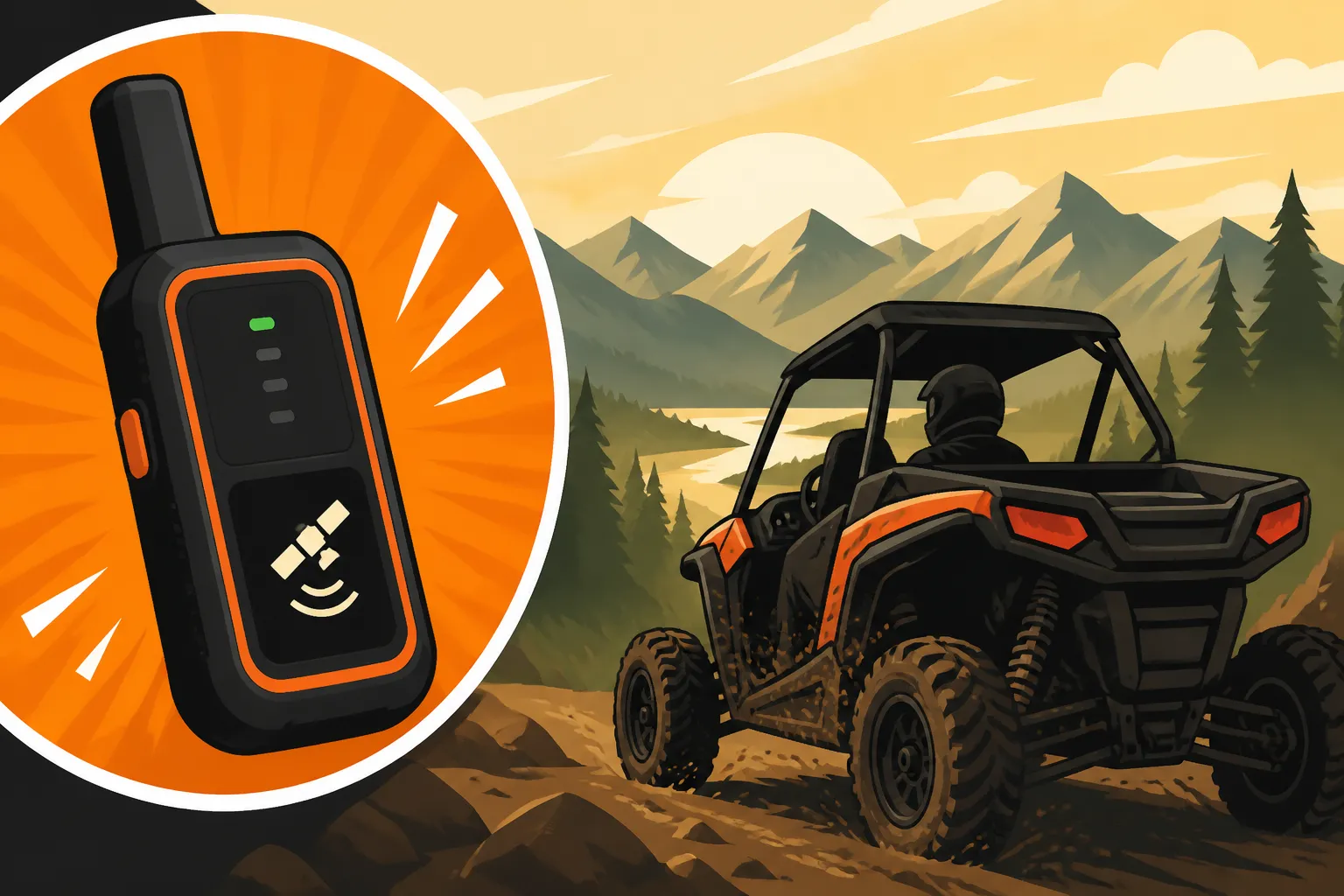
Carrying a Satellite Messenger in the Ghost
A ride in the Ghost Public Land Use Zone can feel close to Calgary and still leave you without reliable cell service once you’re out on the trail. A satellite messenger gives you another way to send check-in messages or call for help, but only if it’s charged, set up, and carried where it can connect with the sky. This guide explains how to use one thoughtfully on an Alberta ATV or UTV trip.
Why carry a satellite messenger in the Ghost
The Ghost area’s foothills and backcountry routes can take riders beyond dependable cellular coverage. A phone may still be useful for photos, downloaded maps, and emergency calls where service exists, but it should not be your only way to communicate. A satellite messenger can provide an independent option for contacting people outside the group or requesting emergency assistance, depending on the device and its service.
If you’re still planning where to ride, start with Ghost PLUZ Riding in Alberta and Alberta OHV Trails: Riding Public Land. The route, terrain, weather, and time of year all affect how much communication backup you may need.
Cell service is not a reliable safety plan
Cell coverage can vary from one part of a ride to another. You might have a signal at a staging area and lose it as the group moves into a valley or behind a ridge. Even when a phone shows a signal, a call or message may not go through reliably enough to serve as your emergency plan.
This matters most when something changes unexpectedly: a machine develops a problem, a rider is injured, weather moves in, or the group takes longer than expected. In those situations, being able to send a short message with your location can help your contacts understand what’s happening. A satellite messenger is useful because it communicates through a satellite network rather than depending on nearby cell towers.
It still has limitations. Trees, steep terrain, narrow valleys, and poor device placement can interfere with satellite communication. A messenger is a backup tool, not a guarantee that help will arrive immediately. Keep your group together when practical, carry basic first-aid supplies, and make a plan for what to do if a device cannot connect.
For more on the coverage problem itself, see Cell Dead Zones in the Foothills. If your ride includes remote sections, it is also worth reviewing First Aid on a Backcountry Loop before leaving.
A messenger is different from an offline map
A satellite messenger and a navigation app solve different problems. A messenger is for communication: it may support preset check-ins, short messages, location sharing, or an SOS function, depending on the device. An offline map helps you understand where you are and where your route goes, even when your phone has no data connection.
An app such as onX Offroad can help with offline route planning and viewing map information you have downloaded in advance. That can be useful when cell service drops, but an app does not send an emergency message through a satellite network simply because it can show your location. Keep the distinction clear: use a map for navigation and a compatible satellite device for communication.
The most dependable approach is to prepare both. Download your route information before you leave, carry a charged phone with the maps available offline, and bring a separate communication device if the remoteness of your ride warrants it. Alberta OHV Trail Map Downloads and Downloading a Georeferenced Trail Map Before You Lose Signal are useful starting points for the mapping side of that plan.
Choose a device and plan that fit your ride
There is no single satellite device that suits every rider. Some devices are designed for one-way emergency alerts, while others support two-way messages or routine check-ins. Before buying or borrowing one, decide what you need it to do and confirm that the device’s service works for your intended use in the area.
A device that only sends an emergency alert may be enough for someone who wants a basic emergency option. A two-way messenger can be more useful when you need to explain that you’re delayed, share a location, or communicate details about a problem. The added messaging features may also mean more setup, battery use, and service-plan considerations.
Compare practical features before you go
Instead of focusing only on the device’s advertised features, think through how you and your group actually ride. A solo rider on a long route has different communication needs from a large group that stays close together. Someone carrying a phone in a handlebar mount may prefer a compact messenger that is easy to reach without stopping for long.
| What to check | Why it matters on an ATV or UTV ride |
|---|---|
| Two-way messaging | Lets you exchange information rather than only sending a preset alert |
| SOS function | Provides a way to request help through the device’s emergency process |
| Location sharing | Can help designated contacts follow your progress, if the feature is supported and enabled |
| Battery life | A long ride, cold conditions, and frequent messaging can increase the need for a power plan |
| Water and impact resistance | Dust, vibration, rain, and rough handling are common off-road conditions |
| Mounting and carrying options | The device must remain accessible and have a suitable view of the sky |
| Service and coverage requirements | A device may need an active service plan or other setup before messaging works |
| Ease of use | You may need to operate it while tired, cold, or under stress |
Read the device instructions before the ride, including what its SOS function does and how to cancel an alert if it is triggered accidentally. Check any service requirements directly with the provider. A device that has sat in a drawer for months may need an account check, an update, a charge, or a test before it is ready.
If someone else in the group owns the messenger, ask to see how it works before the ride begins. Know where it is carried, who is responsible for using it, and what the group’s emergency plan is. “We have one somewhere” is not a useful plan if nobody can find it when it matters.
Understand what an SOS alert does and does not promise
An SOS feature is for a serious emergency, not for ordinary delays or inconvenience. Depending on the device and service, activating SOS may alert a response centre or emergency coordination service, which can then communicate with you and coordinate with relevant responders. The exact process varies, so learn the device’s instructions before depending on it.
An SOS alert does not mean a rescue team will instantly reach your location. Access may be affected by terrain, weather, road conditions, daylight, and the nature of the emergency. If you can communicate, provide concise details: what happened, how many people are involved, whether anyone is injured, and what kind of assistance is needed. Follow the device provider’s instructions and keep the messenger available for follow-up communication.
For a non-emergency delay, a preset check-in or ordinary message may be more appropriate if your device supports it. Agree in advance on what a missed check-in means. A late message might simply mean the group stopped to deal with a mechanical issue, but a prearranged plan helps your contact know when to wait and when to take the next step.
Set up your communication plan before riding
A satellite messenger is most helpful when the group has already discussed how it will be used. Do the setup at home or before leaving the staging area, not while everyone is waiting on a trail and trying to remember passwords. Make sure the person carrying it can operate it without needing a long explanation from someone else.
If you are riding with others, choose a primary device carrier and a backup person who knows how to use it. The device should be easy to reach. Stowing it under tools, luggage, or a pile of clothing can turn a simple check-in into a frustrating search, especially if a rider is cold, stressed, or hurt.
Program contacts and test the basics
Before you head out:
- Read the device’s instructions and confirm that its service is active if the model requires one.
- Charge the device fully and pack a suitable power bank or charging cable if appropriate.
- Add the contacts who should receive routine messages or location updates.
- Explain your trip plan to someone who is not riding with you.
- Test ordinary messaging or check-in features in a safe, open location, following the manufacturer’s directions.
- Confirm that everyone knows how the SOS function works and when it should be used.
For the person staying home, share more than a general statement such as “we’re riding near Waiparous.” Give them the intended riding area, expected departure and return window, the names of the riders, and the make or description of the vehicles if useful. Tell them when you will check in and what to do if they do not hear from you. A vague plan makes it harder for anyone to recognize when a delay has become a concern.
Keep the details realistic. If you expect to ride longer because of a group pace or unfamiliar route, allow for that. If the group changes plans, send an update when the messenger can connect. A responsible contact should know not to treat every missed check-in as an immediate emergency, but should also know what the agreed escalation plan is.
Carry it where it can connect
A powered-on device cannot communicate effectively if it is buried beneath gear or blocked from the sky. Follow the manufacturer’s placement guidance. In general, carry the messenger somewhere accessible and avoid keeping it inside a metal container or deep in a packed bag. A clear view of the sky can help, while dense tree cover, steep slopes, and narrow terrain may make connection more difficult.
On a UTV, do not assume that a device tucked into a closed glove box or metal storage compartment will work as intended. On an ATV, avoid attaching it where it could be knocked loose, submerged, or damaged by vibration. Choose a secure position that you can reach without creating a distraction while moving. Stop the machine before using the device.
Think about the person who would need to find it. If one rider carries the messenger, tell the others exactly where it is. If the primary carrier is injured, another group member should be able to reach it and understand the basic steps. For longer group rides, discuss whether a second device is appropriate rather than assuming a single messenger will always remain accessible.
Make the messenger part of a broader ride plan
A communication device is only one piece of backcountry preparation. It does not replace route planning, a machine check, enough food and water, first-aid supplies, or a clear decision about when to turn around. In the Ghost, conditions can vary across a route, so look for current access information and plan around the group’s experience and equipment.
Use onX Offroad or another mapping option to prepare the route and save the information you expect to need offline. Verify that the map covers the area and that you understand the route before leaving service. Do not treat an app’s displayed line as permission to ride every road or trail; land-use rules, closures, and designated routes still matter.
Plan for route changes and delays
Riders often lose time for ordinary reasons: someone needs to adjust a strap, a machine is reluctant to start, the group pauses for a weather change, or a trail takes longer than expected. Agree on a turn-around time and a latest return time before the ride. A messenger can help you update your contact when plans change, but it cannot make an unrealistic schedule safe.
Give your contact a route description that is useful without pretending the route is fixed. Include the general area and likely return point, and explain whether you may change direction based on conditions. If you ride in a group, identify who is leading and who is sweeping so nobody is left behind when the route or timing changes. Alberta Group Ride Planning can help with the wider logistics of riding together.
Check for access advisories and closures before setting out, and reassess if conditions change. A route that was passable on a dry day may be difficult after rain or snow. For more planning context, see Alberta Trail Closures After a Storm and Staying on the Trail Tread.
Keep navigation, communication, and legal documents separate
In the rush to pack, it is easy to treat a phone, map, and messenger as interchangeable. They are not. A phone may provide navigation and stored information; a satellite messenger may provide communications; and your required riding documents serve a different purpose altogether. Organize each so it can be found without unpacking the entire machine.
Before riding on public land, confirm the requirements that apply to your route and machine, including registration, insurance, and required equipment. A messenger does not replace any of these. For a practical public-land reminder, see What to Show an Officer on Alberta Public Land.
Keep your emergency communication plan straightforward: one person knows the route, one person at home knows when to expect you, the messenger is charged and accessible, and the group understands what to do if the device cannot connect. That combination is more useful than buying a feature-rich device and assuming it will handle every situation on its own.
Disclaimer
This article is for general informational purposes only and does not constitute professional advice. Laws, prices and regulations vary by location and change over time. Consult a qualified professional for guidance on your specific situation.